Hi everyone,
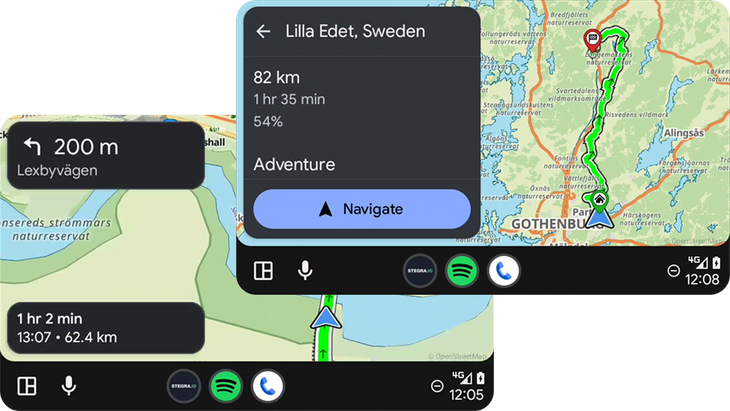
We're excited to announce a new version of the Stegra app for Android, packed with updates—including support for Android Auto!
Unfortunately, with the latest update some users are experiencing a crash when opening the app.
We're releasing a fix tomorrow, but in the meantime, the quickest workaround is to re-install the app from the Play Store:
Open the Play Store
Tap Uninstall
Then tap Install
Note: If you are out riding, make sure to save any active rides before re-installing the app.
After that, Stegra.io will work as expected—and you'll also get access to the latest features, including:
Android Auto support
Highway mode is now called "Fast", with an option to Avoid highways
Improved Landscape View
Updated Turn-by-turn navigation design
Tweaked Autozoom: less zoomed-in and less sensitive, for a smoother experience
Bug fixes for turn-by-turn issues (e.g., not working, flickering)
Fix for unintentional zoom when losing battery charge
Other performance improvements and optimizations
Thanks for your understanding—sorry for the inconvenience, and we hope you enjoy the new features!
Ride on!– Josip, Niclas & Jimmy